> ## Documentation Index
> Fetch the complete documentation index at: https://docs.amadora.ai/llms.txt
> Use this file to discover all available pages before exploring further.
# Prerequisites for Actions
Before generating deliverables in **Actions**, set up your **commercial topical map** and **brand details**. The agent generates both using your live site and project data, allowing you to review and refine the output.
## Overview of Setup Prerequisites
| Prerequisite | Location | Required For |
| ---------------------- | ------------------------ | ------------------------------------------ |
| Commercial topical map | Topical Map | Site Structure, Content Creation |
| Company Details | Settings → Brand details | Content Briefs, Blog Drafts, Landing Pages |
| Evidence Database | Settings → Brand details | Blog Drafts |
| Writing Style & Voice | Settings → Brand details | Blog Drafts |
| Page Style | Settings → Brand details | Landing Page Drafts |
## Step 1: Generate the Commercial Topical Map
Both **Site Structure** and **Content Creation** reference the commercial topical map for three core data inputs:
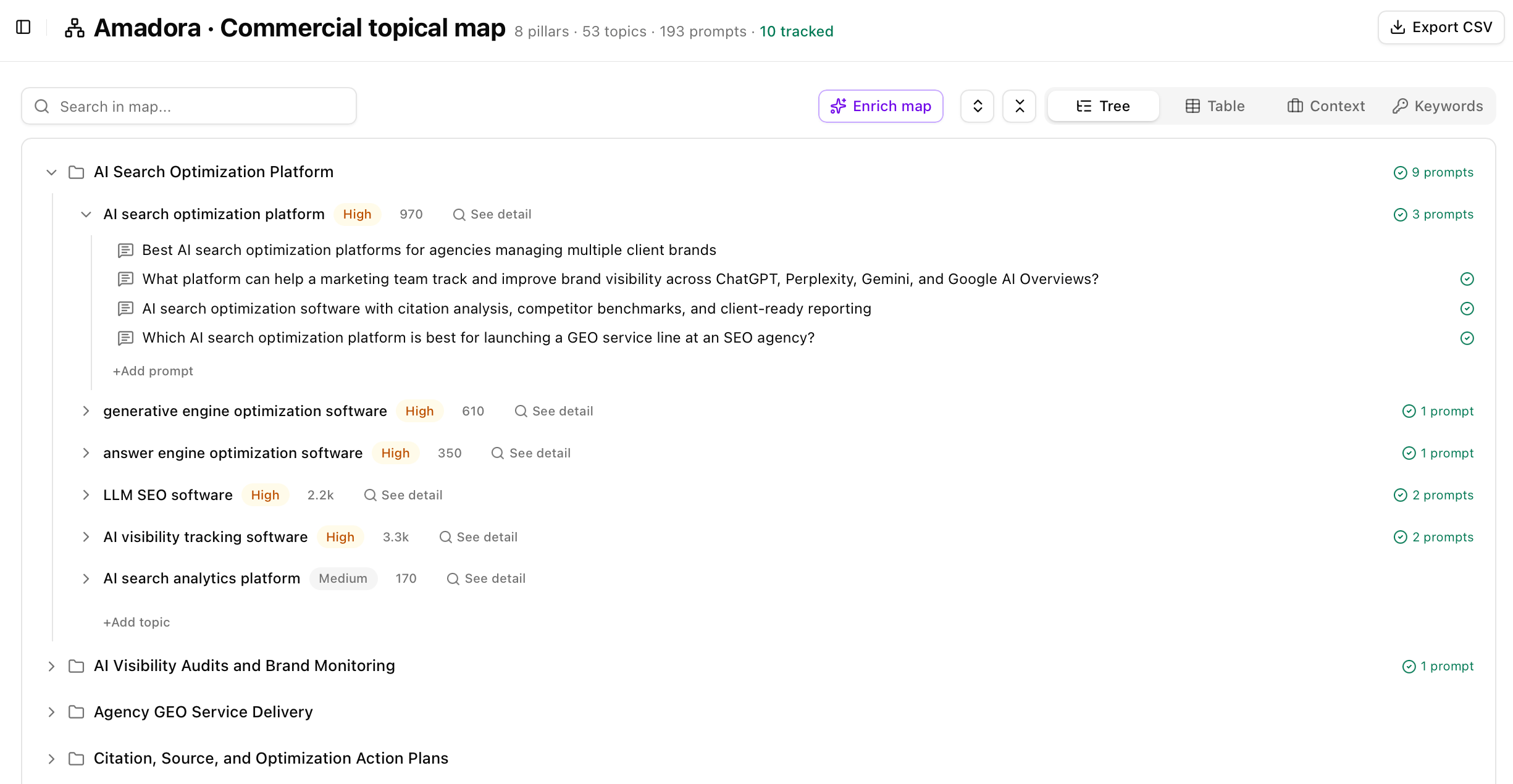 * **Keyword Volumes & Target Queries:** Sets volume thresholds for page creation and identifies unaddressed content gaps.
* **Business Context & Positioning:** Defines your category, audience, and out-of-scope topics so you don't build content for non-converting search intent.
* **Pillars & Topic Hierarchy:** Maps topics and search intent directly to website architecture and content priorities (P0, P1, P2).
## Step 2: Configure Brand Details
Located under **Settings → Brand details**, these four documents provide the underlying factual context, proof points, and style rules for content generation:
* **Keyword Volumes & Target Queries:** Sets volume thresholds for page creation and identifies unaddressed content gaps.
* **Business Context & Positioning:** Defines your category, audience, and out-of-scope topics so you don't build content for non-converting search intent.
* **Pillars & Topic Hierarchy:** Maps topics and search intent directly to website architecture and content priorities (P0, P1, P2).
## Step 2: Configure Brand Details
Located under **Settings → Brand details**, these four documents provide the underlying factual context, proof points, and style rules for content generation:
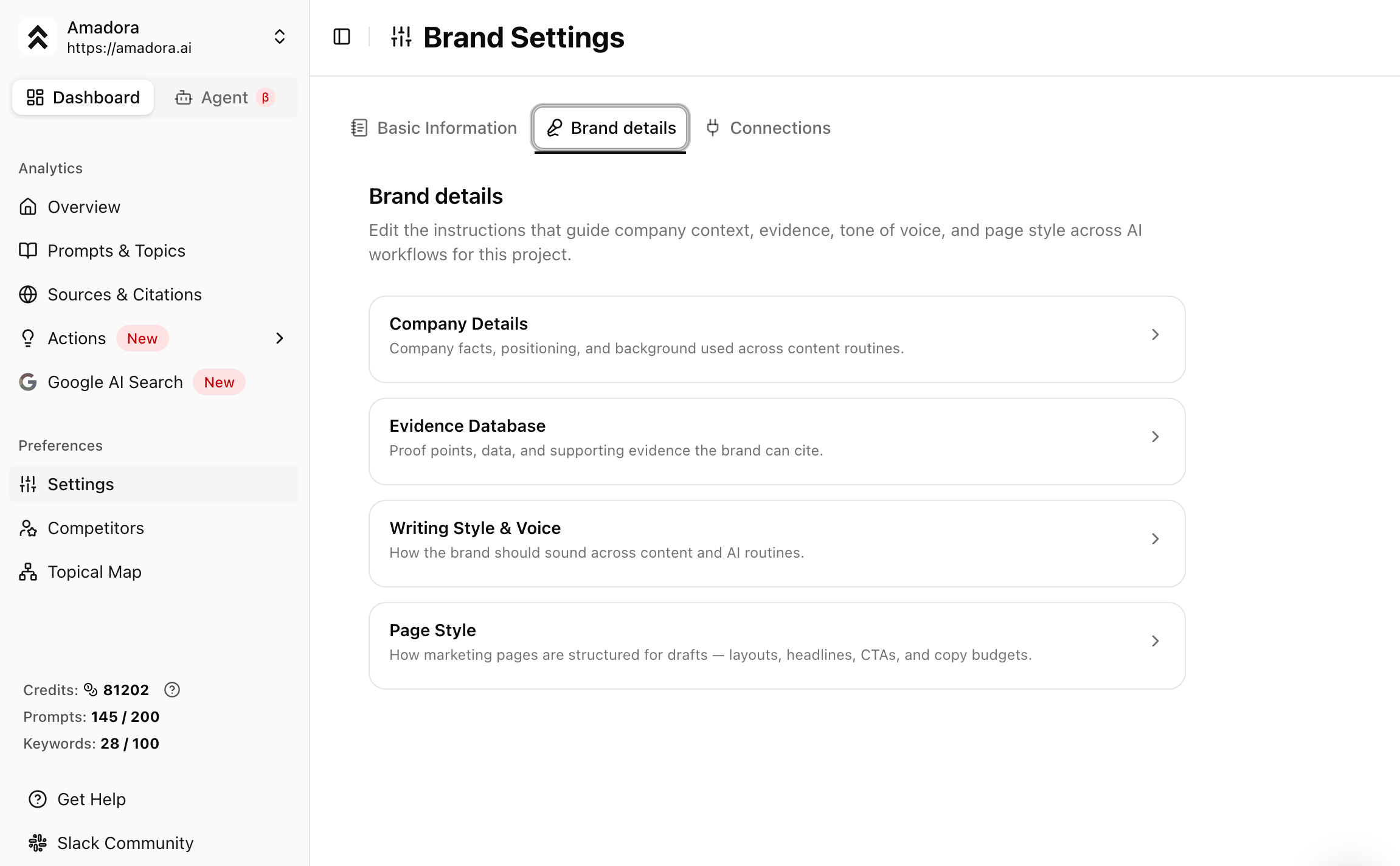 * **Company Details:** Canonical facts about your product, target personas, pricing, and policies. *Without it:* Drafts omit pricing or guarantees and return generic messaging.
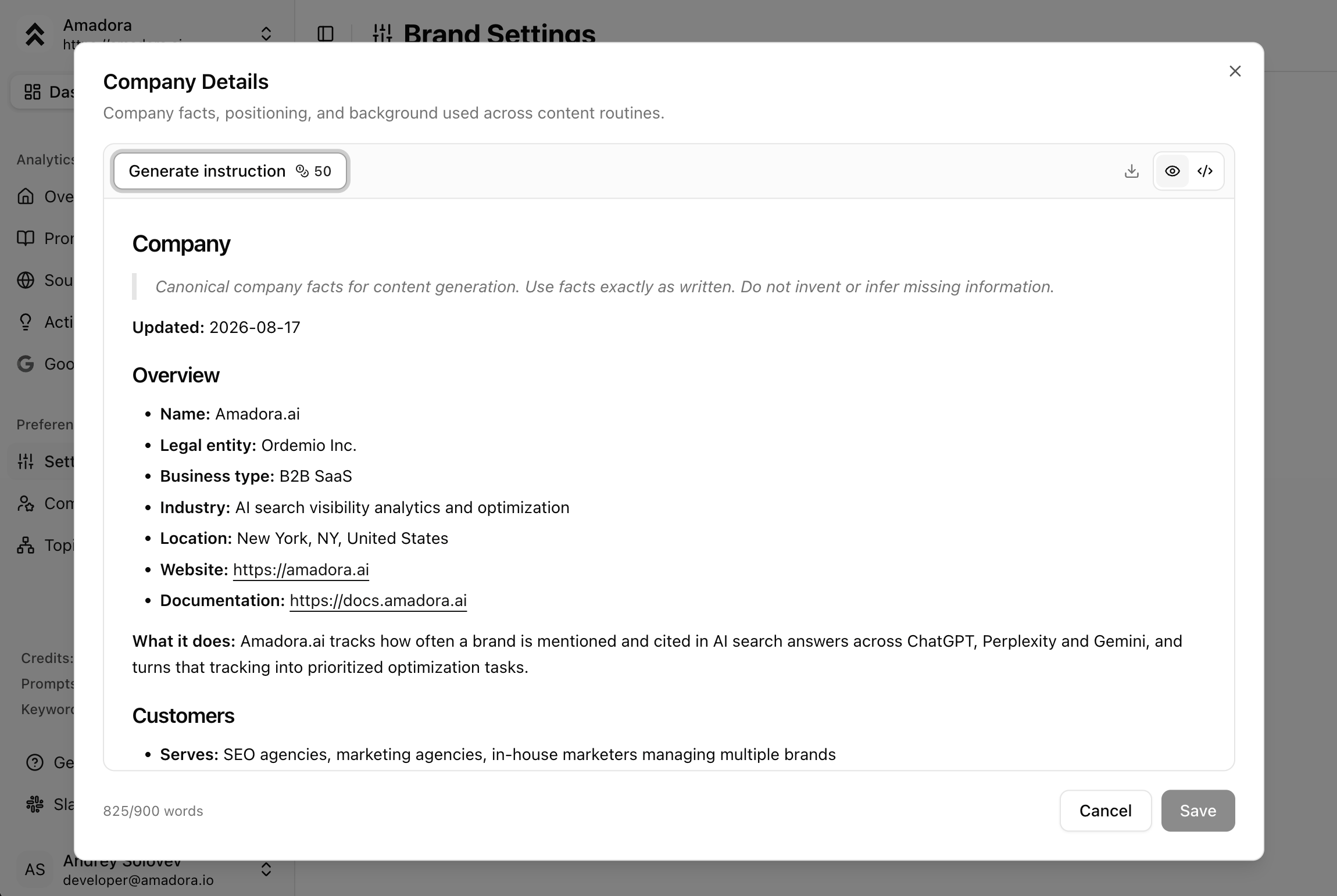 * **Evidence Database:** Proprietary statistics, findings, case studies, and unique brand claims. *Without it:* Drafts lack distinct proof points required to earn AI citations.
 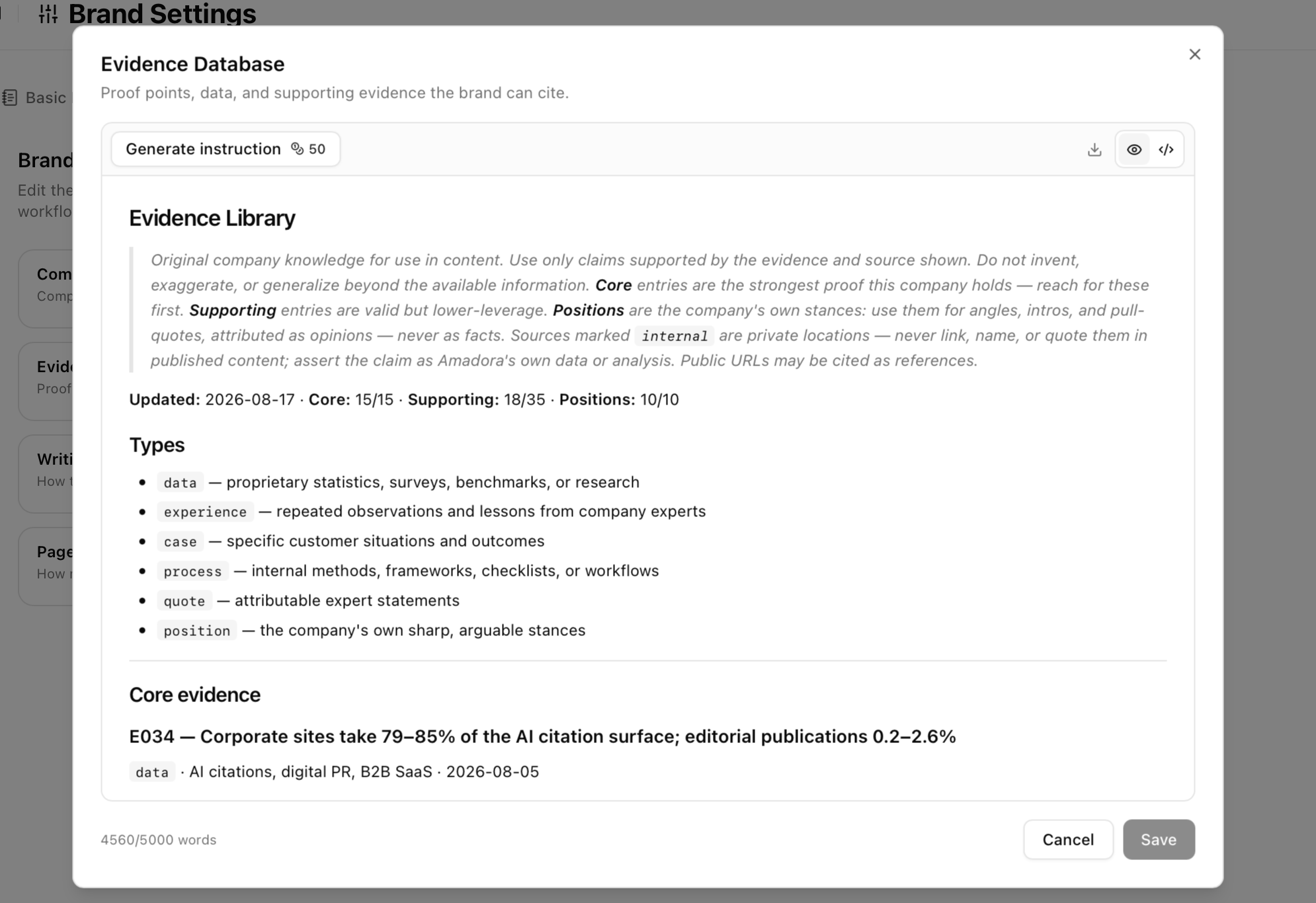 * **Writing Style & Voice:** Specific rules regarding rhythm, vocabulary, and tone. *Without it:* Drafts fall back to a standard neutral house voice.
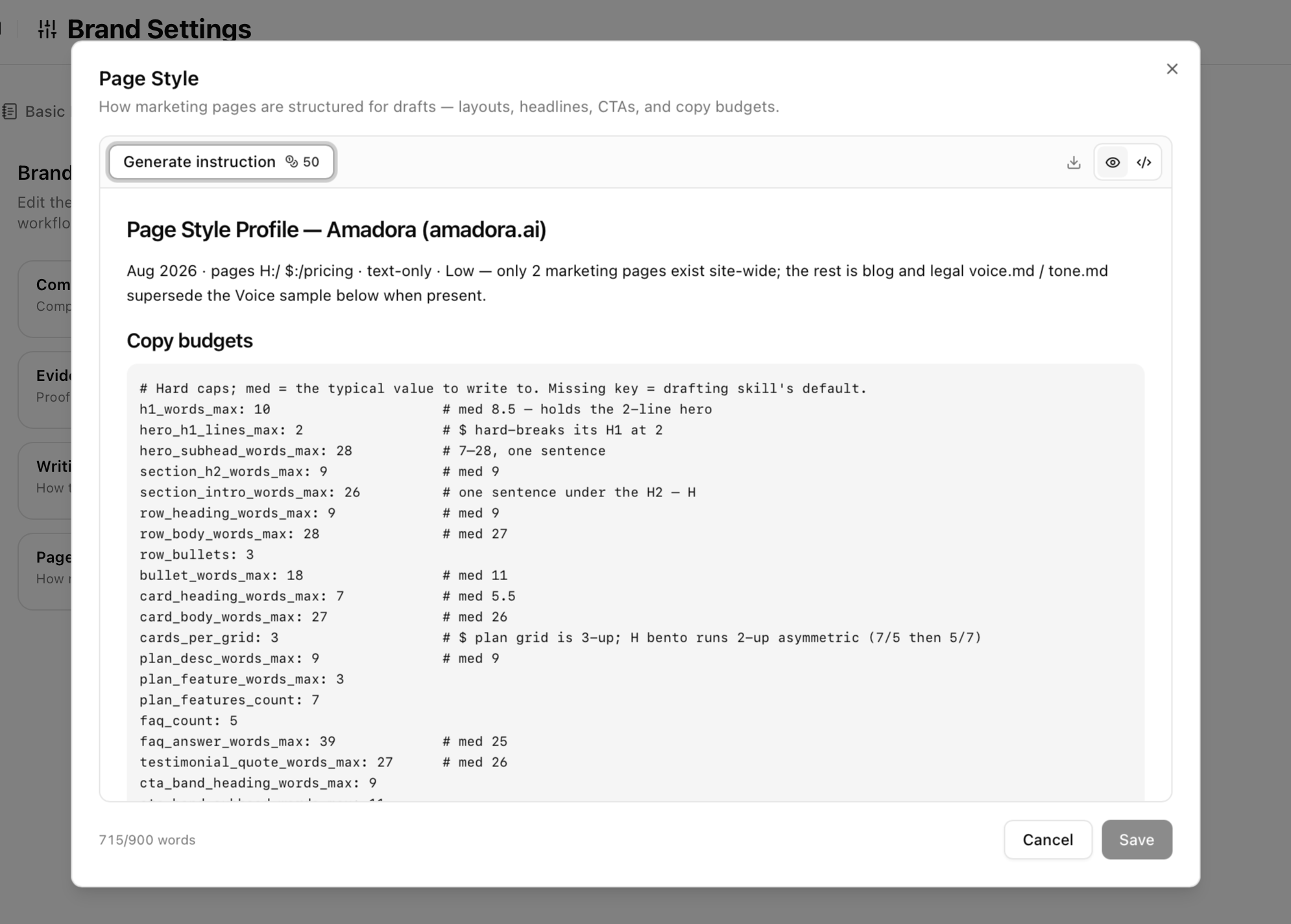
 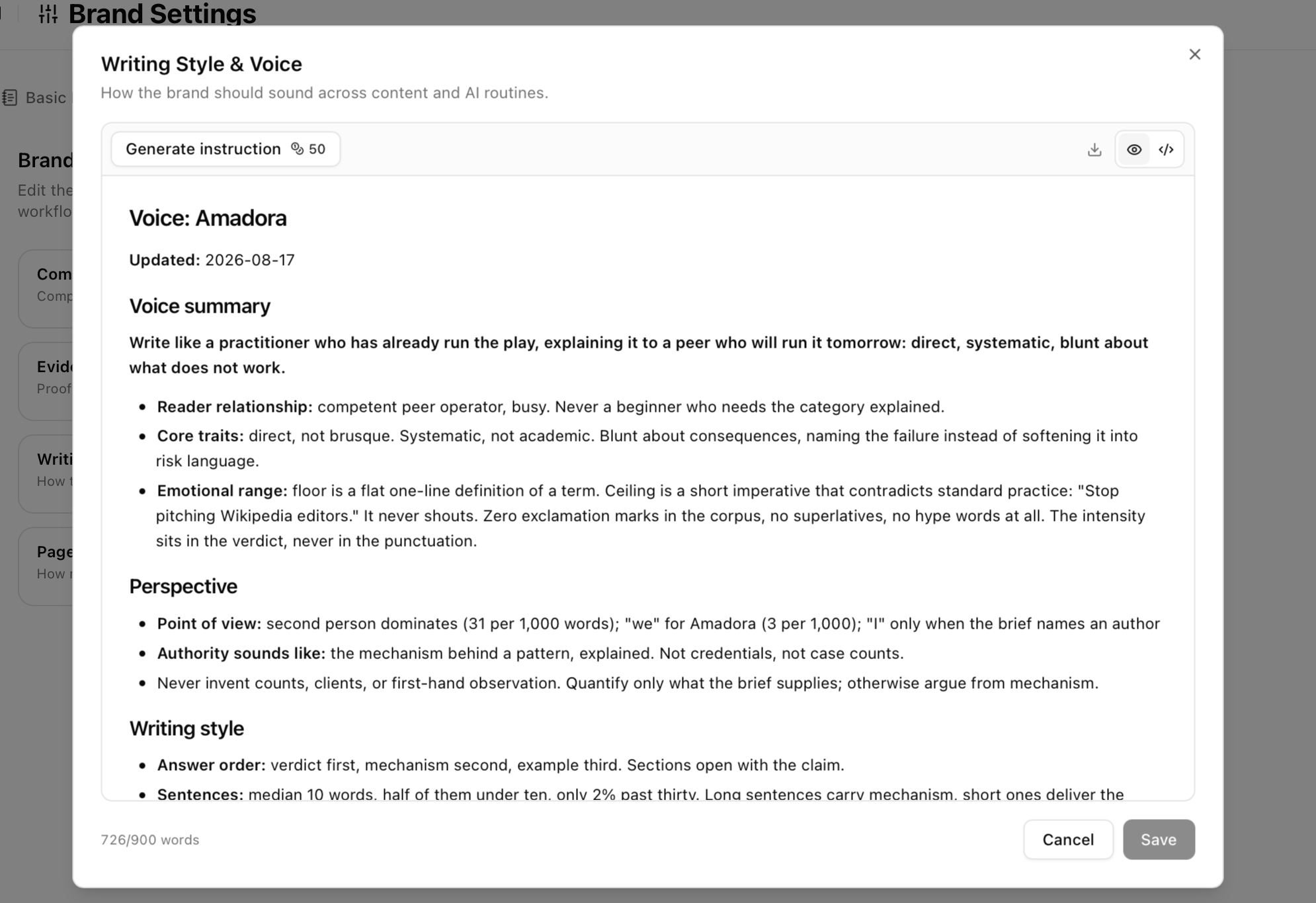 * **Page Style:** Formatting guidelines, target word counts, and structural layouts for marketing pages. *Without it:* Landing page copy defaults to standard copy allocations.
  ## Step 3: Optional Integrations
While not strictly required for project setup, connecting these features sharpens deliverable precision:
* **Tracked Prompts:** Replaces keyword estimates with actual captured AI answers to inform content priorities.
* **Tracked Competitors:** Benchmarks competitor site structures and citation share to power gap analysis.
* **Google Search Console:** Enables deep technical audits in **Skills** and improves content targeting.
## Feature Prerequisites Matrix
| Tool / Deliverable | Topical map | Brand Details Required |
| ------------------- | ----------------------------- | --------------------------------------------------- |
| Site Structure | Strongly recommended | Not needed |
| Content plan | Strongly recommended | Not needed |
| Landing page drafts | Inherited from Site Structure | **Required** (All documents, especially Page Style) |
| Content briefs | Inherited from the plan | Company Details |
| Blog drafts | Inherited from the plan | **Required** (Company Details, Evidence, Voice) |
## Setup checklist
Use this checklist during project setup or client onboarding:
* [ ] Project created and target domain added
* [ ] Competitors added to tracking
* [ ] Prompts configured and actively capturing responses
* [ ] Commercial Topical Map generated
* [ ] Company Details generated and verified
* [ ] Evidence Database populated
* [ ] Writing Style & Voice configured
* [ ] Page Style rules generated
* [ ] Google Search Console connected *(optional)*
## FAQs
No. The topical map only needs to be generated. Features access the data automatically once generated.
The draft will still generate, but it will lack unique metrics, pricing, and specific brand positioning. The system will flag missing elements in the generation report.
No. Brand Details and Topical Maps are maintained per project to isolate client data.
Generating instructions for each Brand Detail document costs 50 credits. See \[Amadora Credits] for full credit pricing.
## Step 3: Optional Integrations
While not strictly required for project setup, connecting these features sharpens deliverable precision:
* **Tracked Prompts:** Replaces keyword estimates with actual captured AI answers to inform content priorities.
* **Tracked Competitors:** Benchmarks competitor site structures and citation share to power gap analysis.
* **Google Search Console:** Enables deep technical audits in **Skills** and improves content targeting.
## Feature Prerequisites Matrix
| Tool / Deliverable | Topical map | Brand Details Required |
| ------------------- | ----------------------------- | --------------------------------------------------- |
| Site Structure | Strongly recommended | Not needed |
| Content plan | Strongly recommended | Not needed |
| Landing page drafts | Inherited from Site Structure | **Required** (All documents, especially Page Style) |
| Content briefs | Inherited from the plan | Company Details |
| Blog drafts | Inherited from the plan | **Required** (Company Details, Evidence, Voice) |
## Setup checklist
Use this checklist during project setup or client onboarding:
* [ ] Project created and target domain added
* [ ] Competitors added to tracking
* [ ] Prompts configured and actively capturing responses
* [ ] Commercial Topical Map generated
* [ ] Company Details generated and verified
* [ ] Evidence Database populated
* [ ] Writing Style & Voice configured
* [ ] Page Style rules generated
* [ ] Google Search Console connected *(optional)*
## FAQs
No. The topical map only needs to be generated. Features access the data automatically once generated.
The draft will still generate, but it will lack unique metrics, pricing, and specific brand positioning. The system will flag missing elements in the generation report.
No. Brand Details and Topical Maps are maintained per project to isolate client data.
Generating instructions for each Brand Detail document costs 50 credits. See \[Amadora Credits] for full credit pricing.